
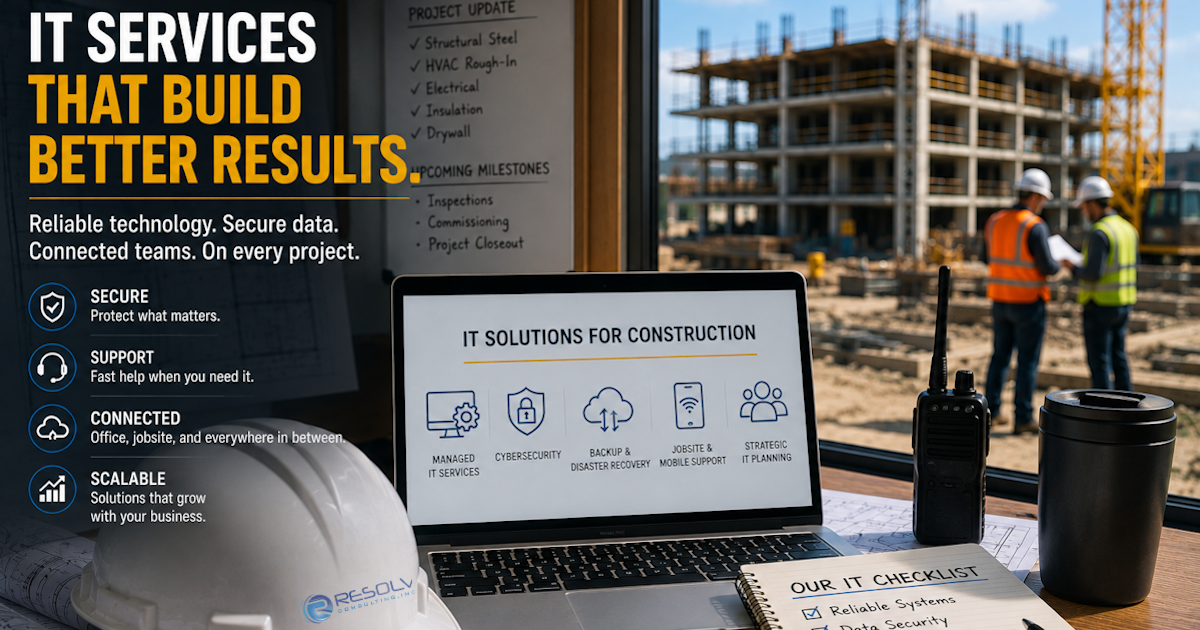
Construction companies don’t have the luxury of treating technology as an afterthought.
Project managers need access to schedules and documents.
Superintendents need reliable connectivity at the jobsite.
Accounting teams need secure access to financial systems.
Executives need visibility into the business.
And everyone needs to be able to communicate.
When the technology supporting those activities isn’t reliable, the impact can quickly reach the project itself.
That’s why more construction companies are looking beyond traditional break/fix IT support and considering Managed IT Services.
But what should a general contractor actually expect from an MSP?
The answer goes beyond having someone available when a computer stops working.
A construction-focused IT strategy should help keep your office connected, your jobsites productive, your information protected, and your business prepared for what comes next.
Construction IT Is About More Than Computers
A construction company’s technology environment can include much more than laptops and desktop computers.
Today’s construction operations may depend on:
- Microsoft 365
- Construction management platforms
- Digital plans and documents
- Accounting systems
- Mobile phones and tablets
- Jobsite Wi-Fi
- Cloud applications
- File storage
- Printers and network equipment
- Cybersecurity tools
- Backup systems
- Remote access
These systems are interconnected.
If one critical component fails, the resulting problem can affect employees in both the office and the field.
That means your IT provider needs to understand the business environment surrounding the technology, not simply the devices themselves.
What Should Construction IT Services Include?
There isn’t one universal technology package for every contractor.
A smaller specialty contractor may have very different requirements than a general contractor managing multiple simultaneous projects.
However, there are several core areas every construction company should evaluate.
- Responsive Help Desk Support
When technology stops working, employees need somewhere to turn.
A good IT service should give your team a reliable way to get assistance with issues involving:
- Computers
- Microsoft 365
- Applications
- Printers
- Network connectivity
- User accounts
- Mobile devices
- Remote access
The goal isn’t simply to answer tickets.
The goal is to get employees back to work.
For construction companies, that distinction matters because an IT issue affecting a project manager or superintendent can quickly become a project issue.
- Proactive Monitoring and Maintenance
Waiting for a problem to appear isn’t a strategy.
Proactive IT services monitor systems and devices for potential problems so issues can be identified before they become major disruptions.
This may include:
- Device monitoring
- Network monitoring
- Security monitoring
- Software patching
- Hardware health monitoring
- System maintenance
- Performance monitoring
Resolv Consulting’s existing Managed IT offering specifically emphasizes proactive monitoring, patching, maintenance, network and cloud support, and help desk services.
For a construction company, proactive support can help reduce the likelihood that a preventable technology problem becomes a jobsite disruption.
- Secure Microsoft 365 and Cloud Applications
Construction teams increasingly work from multiple locations.
Project managers may be in the office.
Superintendents may be at jobsites.
Executives may work remotely.
That makes cloud applications an important part of keeping everyone connected.
Your IT provider should help manage and secure cloud environments, including areas such as:
- User accounts
- Multi-Factor Authentication
- Permissions
- Security settings
- Email protection
- Device access
- Data protection
The goal is to make cloud technology accessible without making it unnecessarily vulnerable.
- Jobsite Connectivity and Networking
An office network and a construction jobsite are not the same environment.
Jobsites can change constantly.
Equipment moves.
Teams change.
Temporary structures may be added.
Internet availability can vary.
Employees may depend on wireless connectivity to access project information and communicate with the main office.
A construction IT strategy should therefore consider:
- Jobsite Wi-Fi
- Network design
- Secure wireless access
- Internet connectivity
- Remote access
- Network monitoring
- Equipment management
Reliable connectivity isn’t just convenient.
It can determine whether field employees can access the information they need to keep working.
- Cybersecurity for Construction Companies
Every connected device and user account creates potential security exposure.
Construction companies should consider layered protection that can include:
- Multi-Factor Authentication
- Endpoint protection
- Email security
- Security awareness training
- Access controls
- Device encryption
- Threat monitoring
- Secure backups
Cybersecurity is especially important for companies handling contracts, financial information, employee information, project documents, and communications with numerous outside parties.
Resolv’s managed cybersecurity offering includes 24/7 threat detection and response, immutable cloud backup, employee cybersecurity training, device encryption management, and ongoing technology security reviews.
- Backup and Disaster Recovery
Backups are essential.
But simply having a backup doesn’t necessarily mean a company is prepared for an outage or cyberattack.
A construction company should know:
- What information is backed up
- How frequently it is backed up
- Where backups are stored
- How long they are retained
- How they are protected
- How recovery would work
- Whether recovery has actually been tested
Your IT provider should be able to explain the recovery process in business terms—not just technical terms.
If a critical system goes down, the question isn’t simply:
“Do we have a backup?”
It’s:
“How quickly can we get the business operating again?”
- Employee Onboarding and Offboarding
Construction companies grow and change.
Employees join projects.
Employees leave.
Responsibilities change.
New devices are issued.
Old accounts need to be removed.
An effective IT provider can help establish consistent onboarding and offboarding procedures.
That can include:
- Creating user accounts
- Configuring devices
- Assigning appropriate permissions
- Setting up email
- Deploying security tools
- Removing former employees
- Recovering company devices
- Revoking access
This helps ensure employees have what they need when they start—and that former employees don’t retain unnecessary access when they leave.
- Technology Planning
This is where an MSP should become more than a help desk.
Your IT provider should help answer questions such as:
Are our current systems ready for growth?
Are our jobsites properly connected?
Are our devices reaching the end of their useful life?
Are we protected against current cybersecurity risks?
Are our backups adequate?
Which technology investments should we make next?
Technology planning gives construction leadership a clearer picture of where the company stands and what should happen next.
Fully Managed IT vs. Co-Managed IT
Not every construction company needs the same relationship with an MSP.
Some businesses want an outside IT provider to manage the majority of their technology environment.
Others already have an internal IT employee or team but need additional expertise and resources.
That’s where the distinction between Fully Managed IT and Co-Managed IT becomes important.
Fully Managed IT
An MSP serves as the company’s primary IT department.
This can be appropriate for organizations that don’t have the internal resources or desire to manage IT themselves.
Co-Managed IT
An MSP works alongside an existing internal IT team.
This can provide additional expertise, support, cybersecurity resources, infrastructure management, or help desk capacity without replacing the internal team.
Resolv Consulting currently offers both Fully Managed IT and Co-Managed IT services.
The right approach depends on the construction company’s size, internal resources, technology environment, and business goals.
What a Construction Company Should Expect From Its MSP
A good IT provider shouldn’t make technology more complicated.
You should expect:
Reliability
Your systems should be monitored and maintained proactively.
Responsiveness
Employees should have a clear way to get help when they need it.
Security
Cybersecurity should be part of the overall IT strategy—not an afterthought.
Visibility
Leadership should understand the health and risks of the technology environment.
Planning
Your IT provider should help you prepare for growth and technology changes.
Communication
Technical issues should be explained clearly without unnecessary jargon.
Accountability
Your provider should know your environment and take responsibility for helping maintain it.
Warning Signs Your Construction Company Has Outgrown Break/Fix IT
Your current IT approach may need to change if:
- Employees repeatedly experience technology problems
- Your IT provider only responds after something breaks
- Nobody regularly monitors your systems
- You aren’t sure whether backups are working
- Employees use inconsistent security practices
- Your jobsites struggle with connectivity
- Former employees still have unnecessary access
- Technology decisions are made without a long-term plan
- Cybersecurity is handled only after an incident
- Your internal team is overwhelmed
These problems don’t necessarily mean you need more technology.
They may mean you need better management of the technology you already have.
Questions to Ask a Construction IT Provider
Before choosing an MSP, ask:
- Do you support construction companies?
- Can you support both office and jobsite environments?
- How do you monitor our systems?
- What cybersecurity protections are included?
- How do you protect our backups?
- Can you support Microsoft 365?
- How do you handle employee onboarding and offboarding?
- Can you provide Co-Managed IT if we already have internal IT staff?
- How do you help with technology planning?
- How quickly can employees receive support?
The answers will tell you much more than a list of software products ever could.
Why Industry Experience Matters
Construction companies don’t operate like traditional office businesses.
Technology has to support the way projects actually happen.
That means an IT provider should understand the relationship between:
Office ↔ Jobsite ↔ Employees ↔ Project Information ↔ Clients ↔ Vendors
When those pieces work together, technology can help construction companies operate more efficiently.
When they don’t, even a small technology problem can create larger operational consequences.
How Resolv Consulting Supports Construction Companies
Resolv Consulting provides Managed IT Services, cybersecurity, backup and disaster recovery, network support, and Co-Managed IT solutions for businesses throughout Southern California.
Our approach is designed around proactive support rather than waiting for problems to occur.
For construction companies, that means helping manage the technology connecting the office and the field while protecting the information the business depends on.
Resolv’s headquarters are located in Ontario, California, and the company serves businesses throughout Los Angeles, San Bernardino, Orange, and Riverside Counties.
The goal is simple: keep your people productive, your technology reliable, and your projects moving.
Final Thoughts
Construction companies don’t need an IT provider that simply fixes computers.
They need a technology partner that understands how technology affects the project.
From jobsite connectivity and Microsoft 365 to cybersecurity, backups, employee support, and technology planning, the right IT strategy should make it easier for your teams to do their jobs.
The best IT relationship isn’t measured by how many problems your provider fixes.
It’s measured by how many problems your business never has to experience.
Frequently Asked Questions
What are Construction IT Services?
Construction IT Services are technology services designed to support the unique needs of construction companies, including office and jobsite connectivity, managed IT support, cybersecurity, cloud applications, device management, backups, and technology planning.
What should a construction company look for in an MSP?
Construction companies should look for an MSP that understands both office and jobsite environments and can provide proactive monitoring, responsive support, cybersecurity, backup and recovery, cloud management, and long-term technology planning.
Does a construction company need Managed IT Services?
Managed IT Services can help construction companies reduce technology disruptions, improve security, maintain systems proactively, and access IT expertise without having to manage every technology function internally.
What is the difference between Fully Managed IT and Co-Managed IT?
Fully Managed IT uses an MSP as the company’s primary IT resource. Co-Managed IT allows an MSP to work alongside an existing internal IT team by providing additional expertise, support, security, or infrastructure resources.
Can an MSP support construction jobsites?
Yes. A qualified MSP can help with jobsite networking, Wi-Fi, mobile devices, cloud applications, remote access, cybersecurity, and communication between field teams and the main office.
How does IT support help construction companies?
Reliable IT support helps construction companies keep employees productive, maintain access to project information, reduce technology downtime, protect business data, and support communication between office and field teams.
How much do Construction IT Services cost?
The cost varies based on the company’s size, number of users and devices, number of jobsites, technology environment, cybersecurity requirements, and level of support needed. A technology assessment can help determine the appropriate level of service.
This blog is part of Resolv Consulting’s Construction & General Contracting Technology Series, helping construction companies throughout Southern California understand how the right IT strategy can support their people, protect their information, and keep their projects moving.